As a Fractional, my Attention Management has to be brutal, and a friend recently asked me to describe how I run my Zero Inbox.
it’s a blend of Eisenhower Matrices and recurring Ceremonies I use to manage the noise from working with 4-6 startups at a time (often with inboxes, calendars, chat and project tools for each), so I figured I’d share it here.
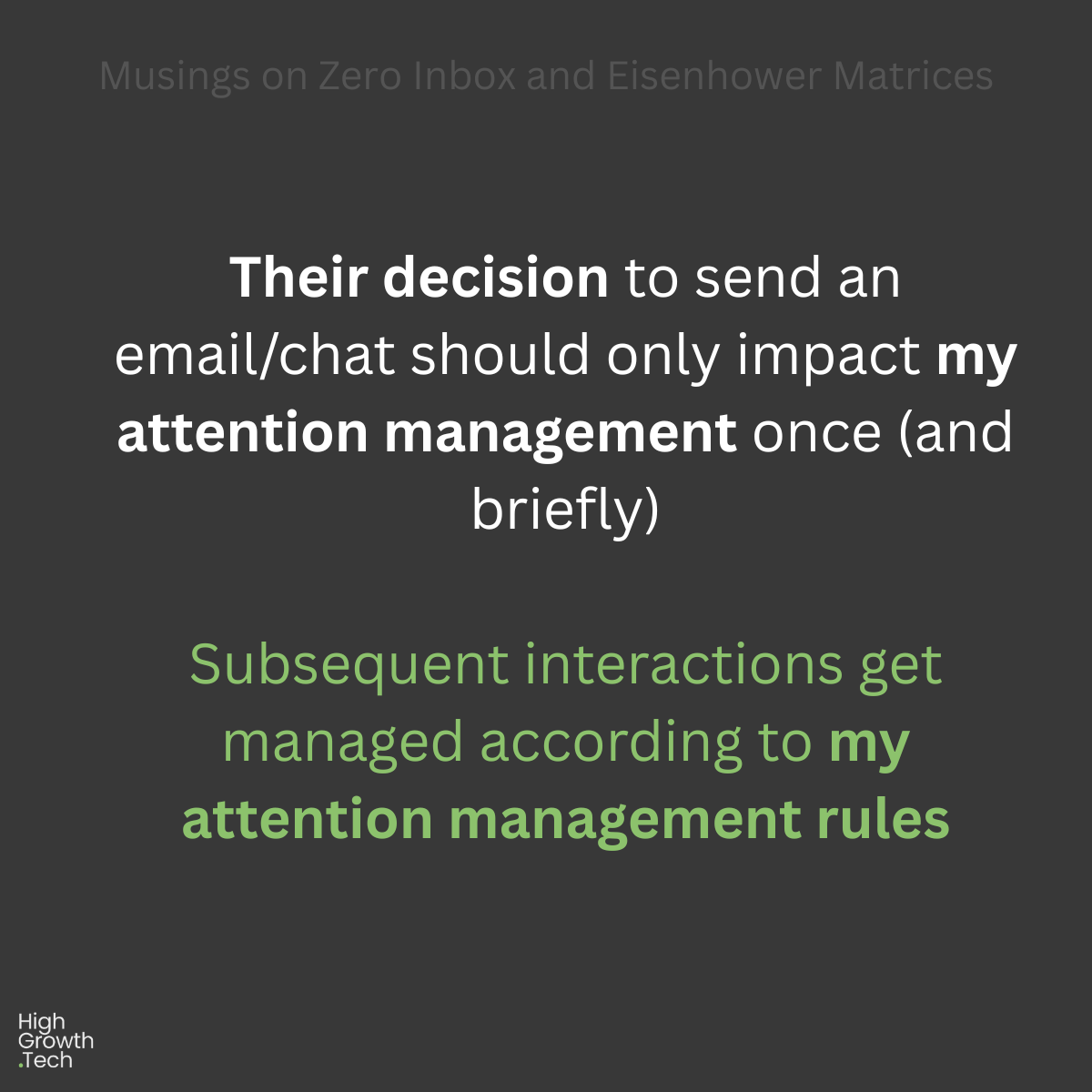
Core Principle: “I should only see things I need to do that Hour, that Day, or that Week (in that order), everything else should resurface at the right time without me thinking about it”
- Inbound Attention Management to me means “Never read it twice”:
A) No action required? Unsubscribe and Archive immediately, near-zero exceptions
B) Under 5m effort? Do it NOW, then archive it, no exceptions
C) 5m+ effort, urgent+important, and due within 7 days? Schedule a Calendar Meeting for myself, then Archive the email
D) 5m+ effort, important, and due in 7-30 days? Schedule a Google Task for 7 days before it’s due, then Archive the email
E) 5m+ effort, not important, and/or due in 30+ days? Raise a Google Keep Note and set it for 4 Mondays from now
- Attention Management Ceremonies These Ceremonies ensure I don’t miss the above Meetings, Tasks and Notes:
A) Every Day No looking at my inbox unless I have at least 5 minutes: This way I can always apply one of the above rules for every email I read and remove it from my inbox forever
B) Sunday to Thursday (late PM): Set Alarm Skim my Google Tasks for the next day and set my AM alarm for a time that gives me the appropriate 5m-30m to prioritise (not action) the Google Tasks are coming up tomorrow
C) Every Weekday (early AM): Action Google Tasks My Google Tasks due today are ready for moving into a Google Calendar day/time slot in the next 7 days (or closed without action).
D) Monday (early AM): Google Keep I have an hour on Monday morning ringfenced in my calendar to look at Google Keep and and apply the following in this order: • Important + Urgent: Add Calendar slot within 7 days, then archive • Important + Not Urgent: Add Calendar slot within 30 days, then archive • Not important: Delete, Delegate, or if Delay (use a 90 day minimum)
- Supporting Configuration
No email notifications: I explicitly configure all of my tools (including clients’ Asana, Jira, Slack, Teams etc) to not generate email reminders for me, as these just create additional administrative noise if I’m already effectively managing my attention using scheduled Ceremonies to engage with these.
Automated Task Creation: I heavily use fathom.video for almost all of my meetings, and I’ve got it configured to pipe my new actions directly into Google Tasks after each meeting (which then get prioritised the next weekday morning at the latest)
Self-service Meeting Booking: I heavily use Calendly for meet.leegold.com, which almost completely cuts out my booking/rescheduling overhead, and actively ask the folks I work with if I can use theirs (it’s always faster).
It’s a bit of fun :)